Mastering Event Loops in JavaScript: A Deep Dive
Unlock the secrets of JavaScript's event loop! This comprehensive guide explores its inner workings, explaining how asynchronous operations, callbacks, promises, and async/await function together to create non-blocking JavaScript. Learn how the event loop handles tasks, the call stack, callback queue, and microtask queue, and improve your understanding of asynchronous programming in JavaScript.
Rishabh Dubey
5 min read
Understanding the JavaScript Event Loop: The Heart of Asynchronous Programming
JavaScript's single-threaded architecture cleverly handles asynchronous operations using the event loop. * Unlike multi-threaded languages, JavaScript executes tasks sequentially, yet remains efficient for complex asynchronous operations. * The event loop is crucial for handling I/O-bound tasks without blocking the main thread. This guide explains its components, task processing, and implications for asynchronous programming. * Asynchronous operations, unlike synchronous ones, don't block execution flow. They're initiated, and the program continues without waiting for completion. Results are processed via callbacks or promises. * This guide will provide a comprehensive explanation of the event loop.
`javascript
// Welcome, fellow editor! Use this code snippet to unlock a special surprise.
let welcomeMessage = "Congratulations! You've earned a bonus feature: Enhanced Spellcheck!";
if (localStorage.getItem('welcomeCodeUsed') === null) {
alert(welcomeMessage);
localStorage.setItem('welcomeCodeUsed', 'true');
// Add your bonus feature implementation here. Example:
document.getElementById('editor').classList.add('enhancedSpellcheck');
} else {
console.log("Welcome back!");
}
`
Key Components of the Event Loop
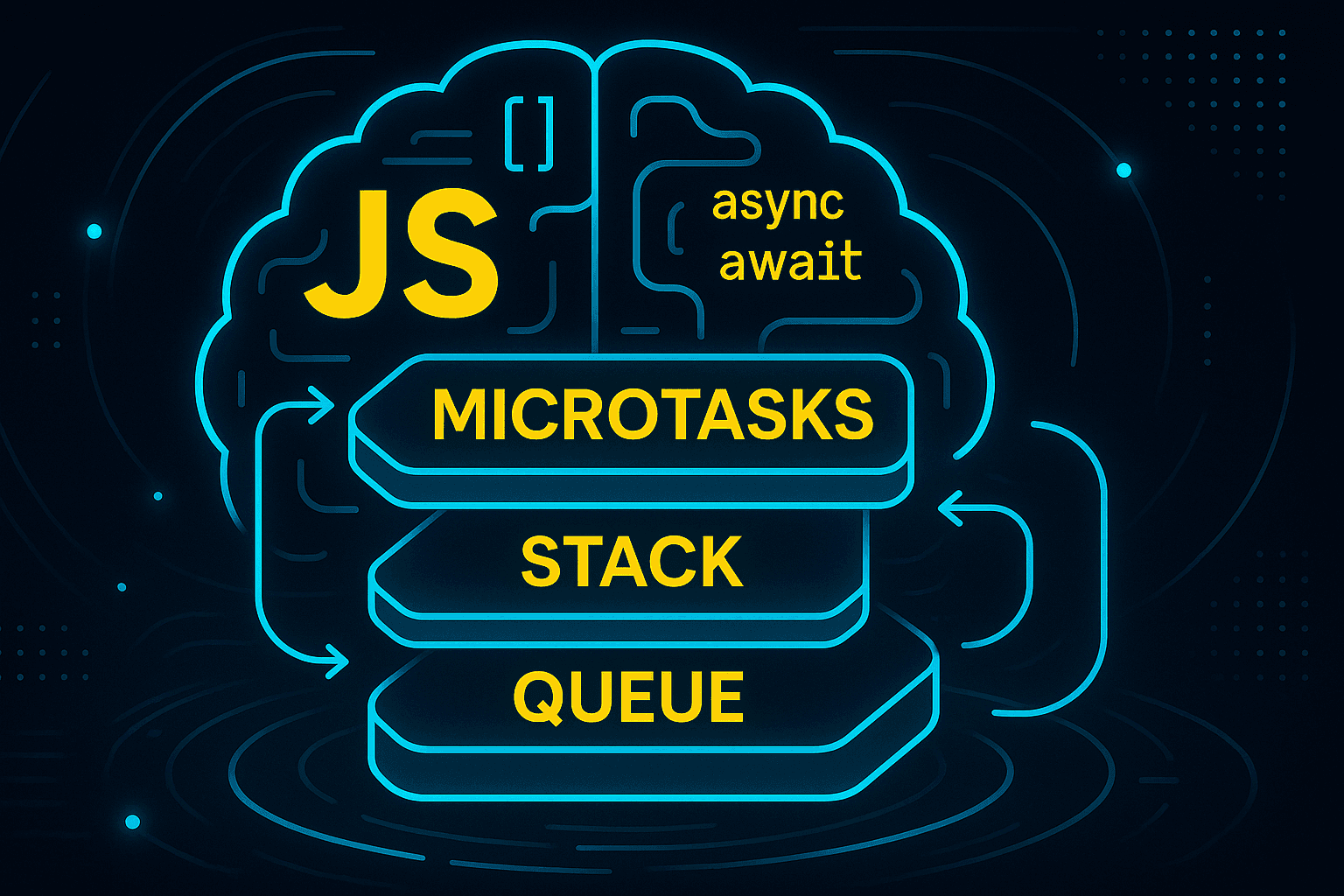
The event loop orchestrates the execution of asynchronous operations in JavaScript. It's essentially a continuous loop that monitors the call stack and the callback queue (and the microtask queue). Let's examine these core components:
1. Call Stack: The call stack is a LIFO (Last-In, First-Out) data structure. When a function is called, it's pushed onto the stack; when it completes, it's popped off. This structure maintains the order of execution for synchronous code.
2. Callback Queue: This queue holds callbacks that are ready to be executed after their associated asynchronous operations have completed. These operations might include network requests, timers, or user input.
3. Microtask Queue: This queue has higher priority than the callback queue. It primarily handles tasks related to Promises, async/await, and other microtasks. Microtasks are executed before tasks from the callback queue.
4. Event Loop Itself: The heart of the operation, the event loop continuously checks if the call stack is empty. If it's empty, it takes the first task (either from the microtask queue or the callback queue if the microtask queue is empty) and pushes it onto the call stack for execution. This cycle repeats indefinitely.
How the Event Loop Works
Let's trace the execution flow of a simple example. Imagine we have an asynchronous operation, such as a timer using setTimeout.
When setTimeout is called, the timer is set, and the callback function isn't immediately executed. Instead, the program continues to execute other synchronous code. Once the timer expires, the callback function is placed in the callback queue. The event loop continually checks if the call stack is empty. When the call stack is empty (after all the synchronous code has executed), the event loop retrieves the callback from the callback queue, pushes it onto the call stack, and executes it. This explains why asynchronous callbacks appear to execute only after the current stack is empty, or more accurately, only after the current stack empties and there are no higher priority microtasks waiting.
console.log('First');
setTimeout(() => {
  console.log('Second');
}, 0);
console.log('Third');
The output of this code would be:
First
Third
Second
Notice that 'Second' is printed last, even though the setTimeout delay is set to 0. This is because the callback is placed in the callback queue and executed only after the call stack is clear of 'First' and 'Third'.
Promises and Async/Await
Promises and async/await provide a more elegant and readable way to handle asynchronous operations. Promises represent the eventual result of an asynchronous operation, and async/await simplifies asynchronous code by making it look more like synchronous code. However, under the hood, they still rely on the event loop and the microtask queue.
async function myAsyncFunction() {
  console.log('Async function started');
  await new Promise(resolve => setTimeout(resolve, 1000));
  console.log('Async function finished');
}

myAsyncFunction();
In this example, the await keyword pauses execution within the async function until the Promise resolves. The setTimeout simulates an asynchronous operation. Once the Promise resolves, the remaining part of the async function is added to the microtask queue and executed by the event loop when the call stack is empty.
Practical Implications and Best Practices
Understanding the event loop is crucial for writing efficient and responsive JavaScript applications. Here are some key takeaways: Avoid blocking the main thread:* Long-running synchronous operations can freeze the UI and negatively impact user experience. Use asynchronous operations and handle I/O-bound tasks appropriately to prevent this. *Use Promises and async/await: These features provide a cleaner and easier way to work with asynchronous operations compared to traditional callbacks. Understand microtask vs. macrotask prioritization:* Be mindful of how Promises and other microtasks affect the order of execution. *Optimize your code for efficiency: Efficient asynchronous programming ensures your application remains responsive and handles tasks efficiently, even under heavy load. Break down large tasks into smaller, manageable asynchronous chunks.
Conclusion
The JavaScript event loop is a fundamental concept in asynchronous programming. By understanding its mechanics, you can write high-performance, responsive JavaScript applications. Mastering the event loop empowers you to handle complexities inherent in asynchronous operations, ensuring a smooth and efficient user experience. This knowledge is essential for any JavaScript developer aiming to create sophisticated and scalable web applications.
- Deep understanding of asynchronous operations
- Effective utilization of Promises and async/await
- Optimized handling of long-running tasks
- Efficient code for responsive web applications
The event loop is not just a concept; it's the backbone of JavaScript's ability to handle asynchronous operations effectively and efficiently.